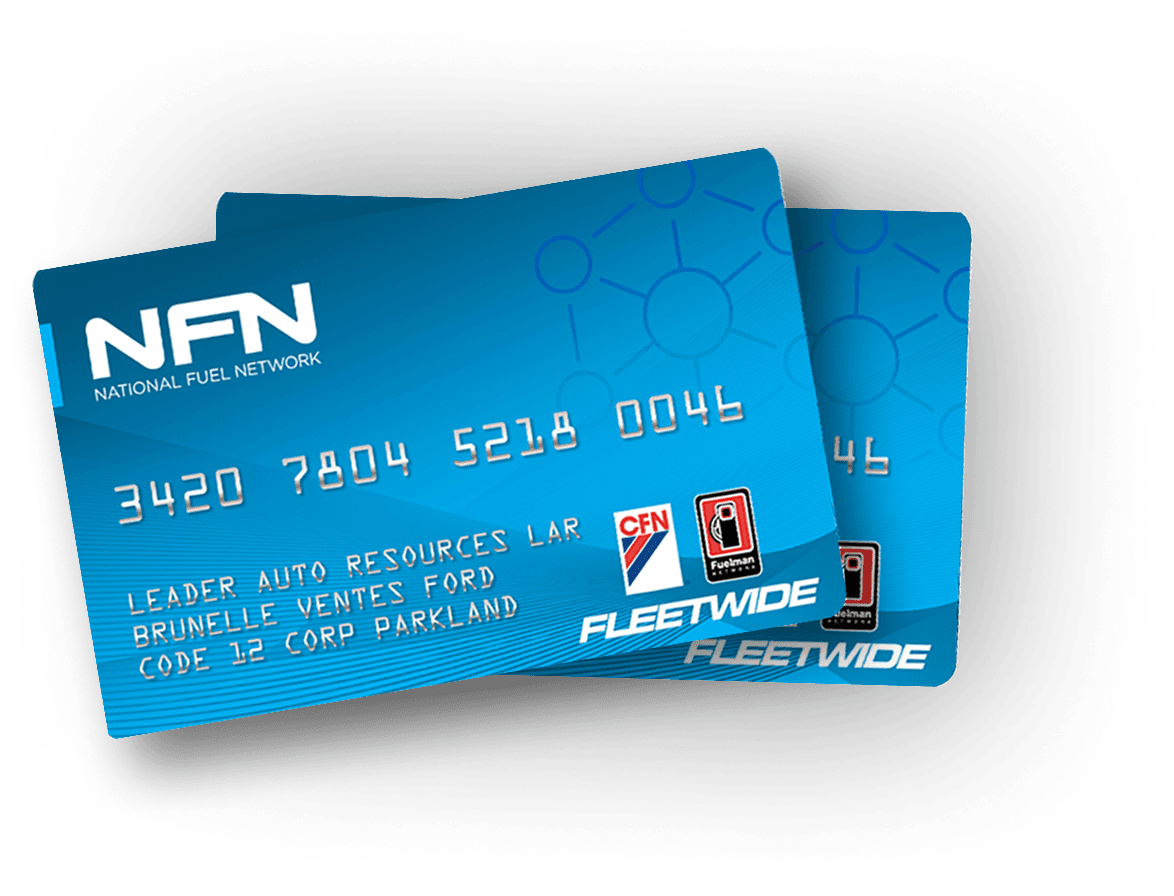
Fuel Card Management System
The NFN fleet card comes with powerful management tools and advanced security features.
Fleet managers have 24/7 access to their account through the NFN customer portal. Everything you need to run your fuel program is at your fingertips.
What you can do in the NFN customer portal
Track your data
See every fuel purchase across your fleet, and pull the reports you need.
Detailed transaction reports showing who fueled, where, when, which product, and how much.
Run and export IFTA reports and tax reports — ready for filing, not manual reconciliation.
E-receipts and consumption data to analyze spending patterns.
Export any report to feed straight into your own systems.
Consolidated invoicing
Manage the money side of your account in one place.
View your invoices as they're issued.
Make payments directly through the portal.
Check your credit limit and how much you've used, so you always know where you stand.
One consolidated monthly statement across cardlocks, retail, and backyard tanks.
Fraud protection & card security
Built-in fraud protection helps you catch and stop unauthorized purchases before they add up.
Choose from multiple card prompts that require drivers to identify themselves.
Use location data to validate purchases and block unusual transactions.
View your active cards and PIN information anytime in the portal.
Need a card changed, canceled, or reissued? NFN's support team handles it fast.
Control spending
Set the rules once, so each card is only used the way you intend.
Set fueling limits by gallons, product type, time of day, and location.
Apply daily or weekly caps per card.
Restrict where and when cards can be used.
Assign cards to drivers or vehicles.
Frequently Asked Questions
How do I manage my NFN fleet card account?
+Can I set spending limits on driver cards?
+How does NFN help prevent fuel card fraud?
+Does NFN provide consolidated invoicing?
+What reports can I run?
+Can I view my credit and pay invoices online?
+